
Groove Lab
— Built for drum teachers —
I built Groove Lab for my own lessons and for other drum teachers. Write out a groove once, then share it with your students in whichever practice format suits them best.
Free to use. No sign-in. Nothing to install.
Writing a groove
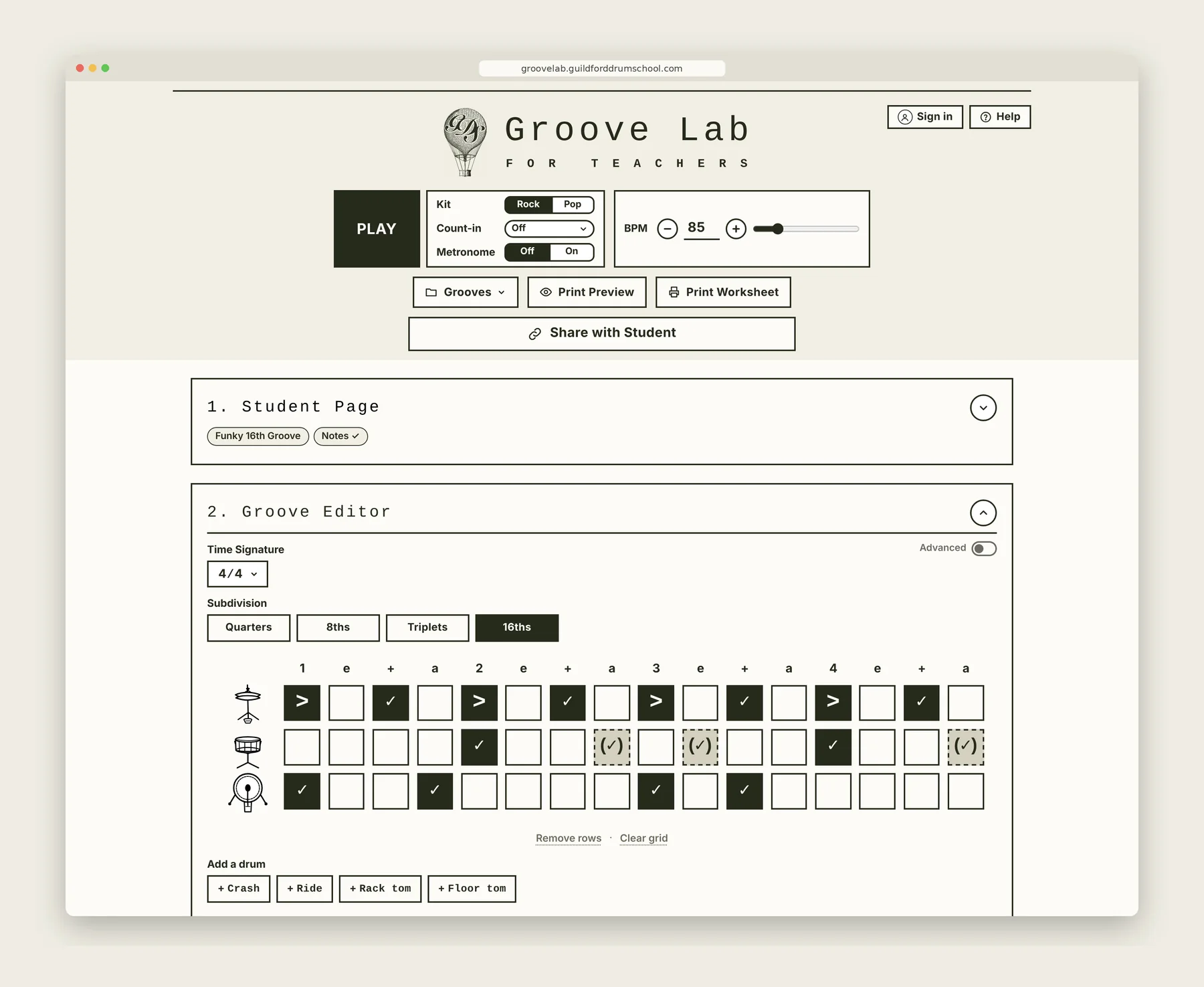
Tap the boxes to build a groove. You can add accents and ghost notes, switch between quarters, 8ths, 16ths and triplets, and bring in crash, ride and toms when you need them.
It plays back straight away on a rock or pop kit, with a count-in, metronome and tempo control.
Notation
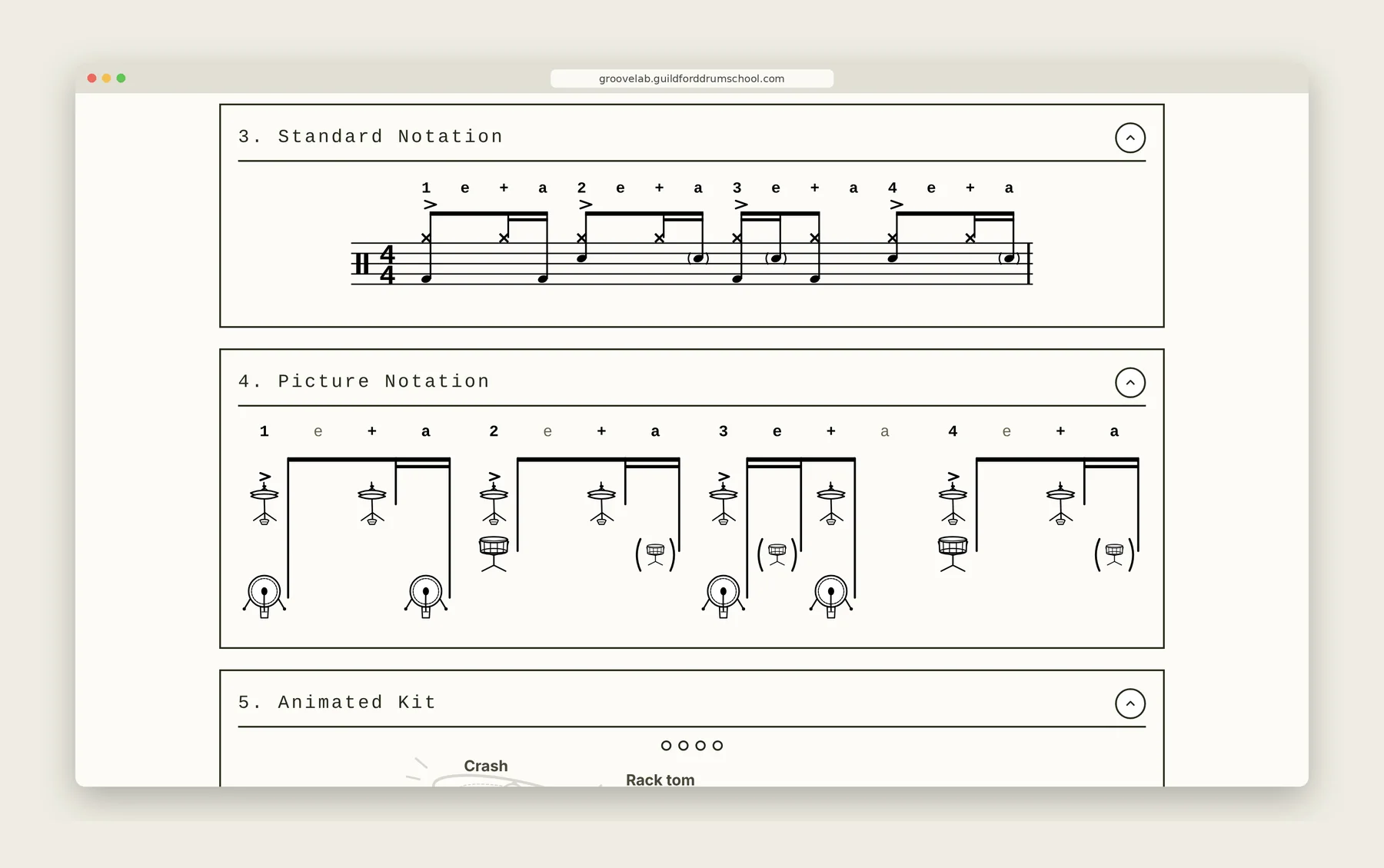
While you write, Groove Lab sets the groove out as drum notation and as picture notation.
Sharing with students
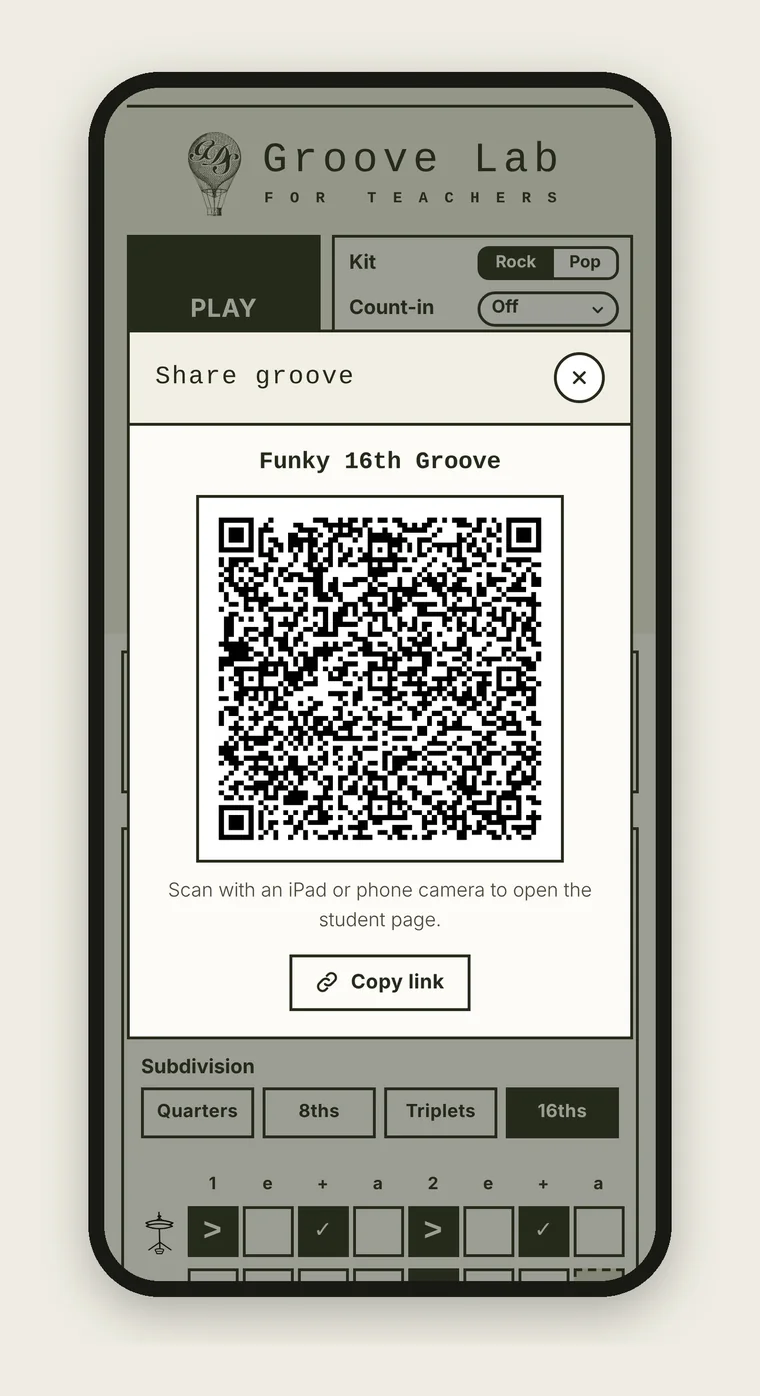
At the end of a lesson, the student scans the QR code with their phone or iPad and the groove is theirs. You can also copy the link and send it in a message.
You can even AirDrop a groove straight to an iPad on the student's kit during the lesson. It's the quickest way I've found.
Students don't need an account and don't give any personal details. They open the link and press play.
What students see
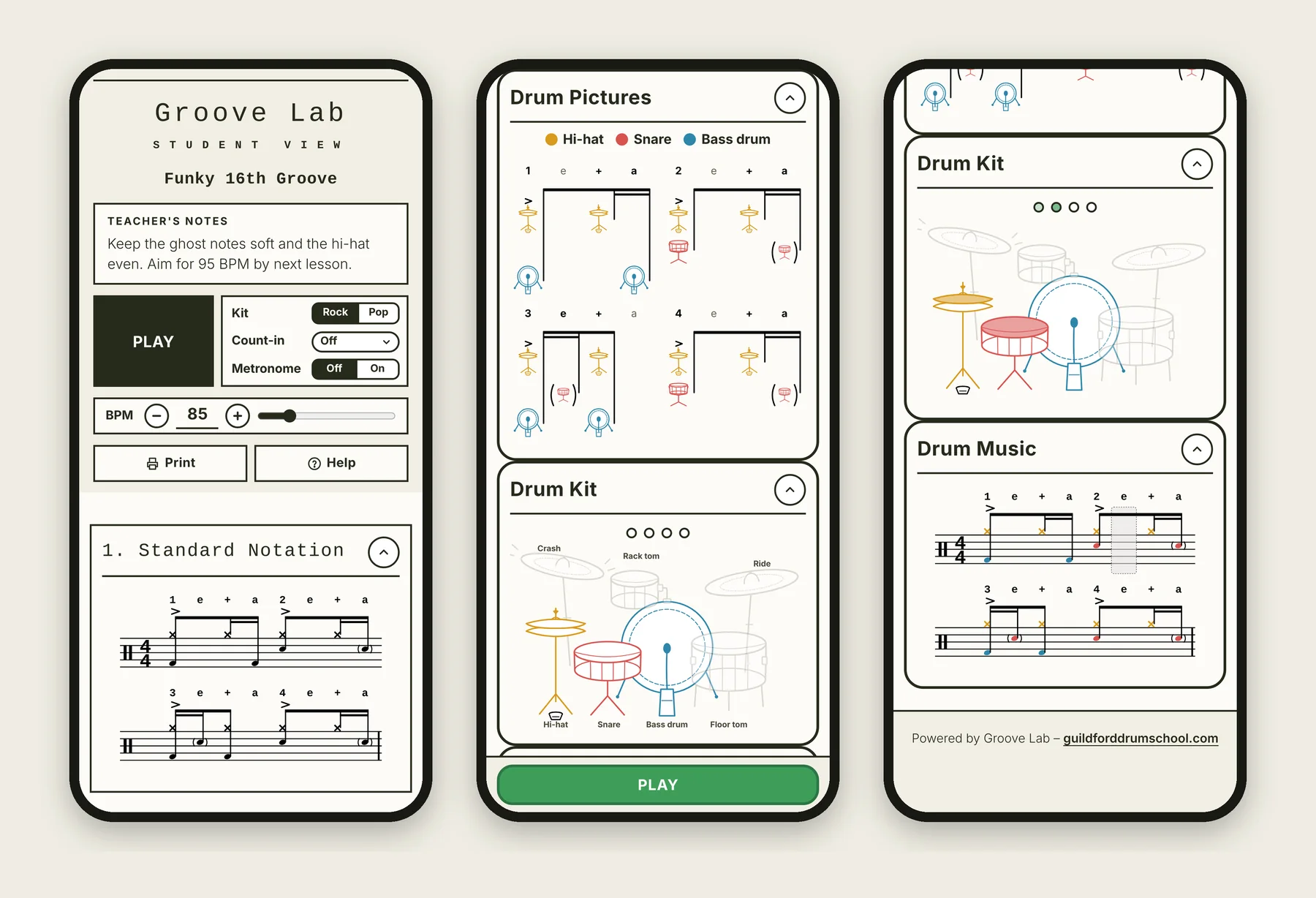
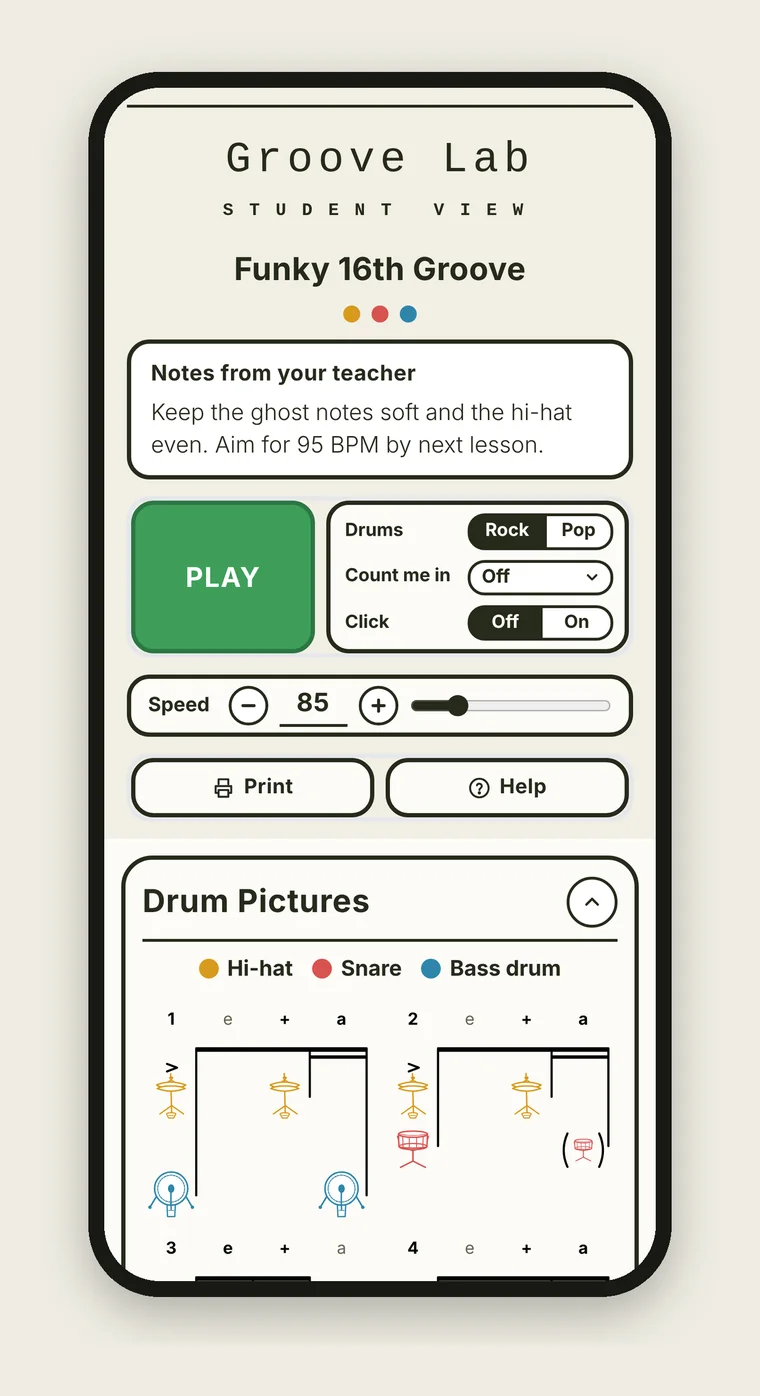
Every groove comes with your notes and a play-along they can slow down or speed up. They can read it three ways:
The groove on a standard drum staff, the way it appears in books and charts.
Each drum drawn as a picture, stacked in time. Good for younger students and anyone still learning to read.
A drum kit that lights up each drum as the groove plays, so students can see what to hit and when.
Junior Mode
Junior Mode is a setting for younger players. Each drum gets its own colour, the play button is big and green and the wording is simpler, so they can practice on their own.
Worksheets
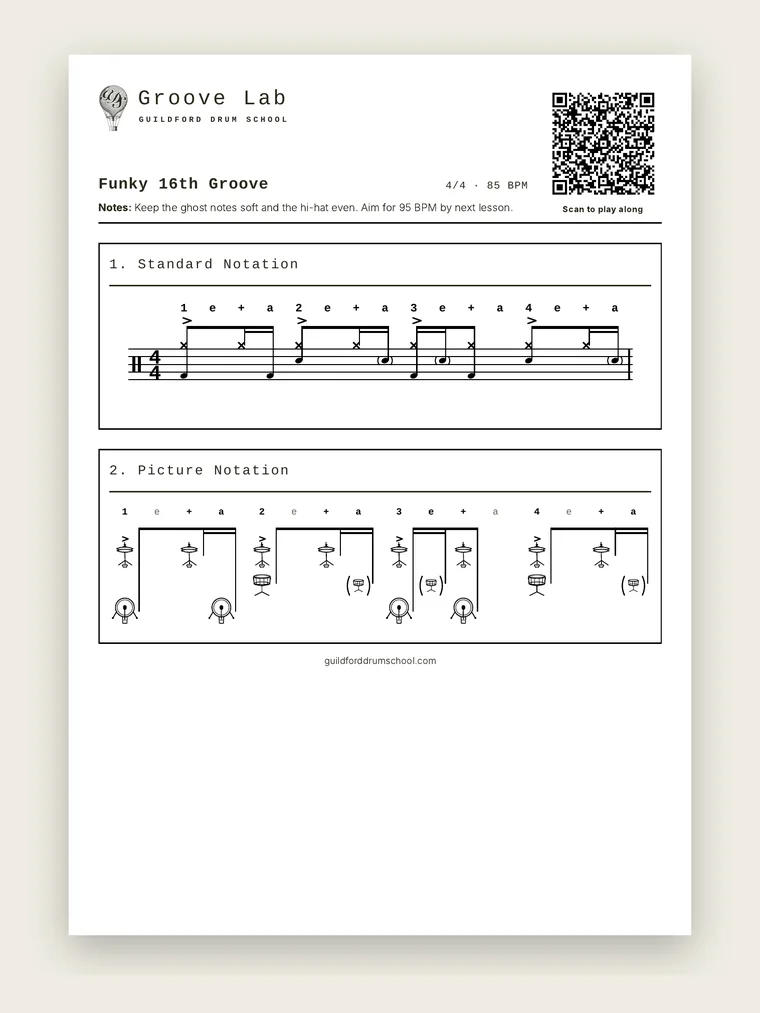
Any groove prints as an A4 worksheet with the notation, picture notation and your notes, plus a QR code that takes students back to the play-along.
Try it out
Groove Lab runs in a web browser on a computer, tablet or phone, so you can start straight away. If you'd like your grooves saved and available on any device, there's an optional free account.